


Hoowalt D301 Flight Simulator Helicopter Collective with Throttle Axis, USB Plug and Play, Self-Centering Buttons and Toggle Switches, Damped Control Feel, Compatible with MSFS 2020/2024, X-Plane 11/12 and DCS
Hoowalt D301 Flight Simulator Helicopter Collective with Throttle Axis, USB Plug and Play, Self-Centering Buttons and Toggle Switches, Damped Control Feel, Compatible with MSFS 2020/2024, X-Plane 11/12 and DCS
Couldn't load pickup availability
Watch in action

Hoowalt D301 Collective Full Review
A comprehensive review of the Hoowalt D301 helicopter collective by our friend @AndyanerTV
The video shows you the unboxing, setup, and user experience of the collective. Check it out!
Realistic Helicopter Control
Designed for serious helicopter flight simulation enthusiasts, this collective lever features a built-in twist throttle axis that accurately replicates real rotorcraft controls. Experience enhanced realism and immersion in Flight Simulator, DCS World, X-Plane, and other leading flight simulation platforms.

Ergonomic & Functional Layout
The ergonomically designed control head includes 2 momentary self-centering buttons and 2 durable metal toggle switches. Assign critical cockpit functions such as landing gear, lighting, communications, or custom commands for quick access during demanding flight operations.

Durable 3D-Printed Construction
Manufactured using 3D printing technology and PETG material for durability. The precision-tuned internal mechanism provides smooth movement and realistic resistance, closely simulating the mechanical tension of a real helicopter collective.
Plug-and-Play Setup
No complicated drivers or third-party software required. Simply connect the one to a Windows PC via USB, and it will be automatically recognized as a standard input device. Get airborne within minutes with a hassle-free setup process.

Cockpit-Ready Base Design
Measuring 427mm in length and 99mm in width, the base is specifically designed for secure installation on standard aluminum extrusion profiles commonly used in DIY simulator cockpits. Provides exceptional stability even during aggressive flight maneuvers.

Adjustable Damping Design
Customize the damping resistance by using a Phillips screwdriver to tighten or loosen the indicated screw, letting you fine-tune the control feel for a better flight experience.
D301 FAQ
Q: Does this collective work with Xbox?
A: It supports Windows (MSFS downloaded via Steam or the Xbox Store).
It does not support Xbox consoles.
Q: Which simulators are supported?
A: It is fully compatible with MSFS 2020/2024, X-Plane 11/12, and DCS.
Q: Is it plug-and-play, or does it require third-party software like Mobiflight?
A: It is plug-and-play. No Mobiflight or similar software is needed – just connect via USB and bind the buttons/axes in your simulator's control settings.
Q: Does it come with a mounting bracket?
A: A fixed bracket is not included, as cockpit configurations vary among users.
Q: Are taxes and shipping included in the price?
A: Yes, the listed price includes both taxes and shipping fees.
This is a great helicopter collective! Easy to connect via usb cable.
No software needed
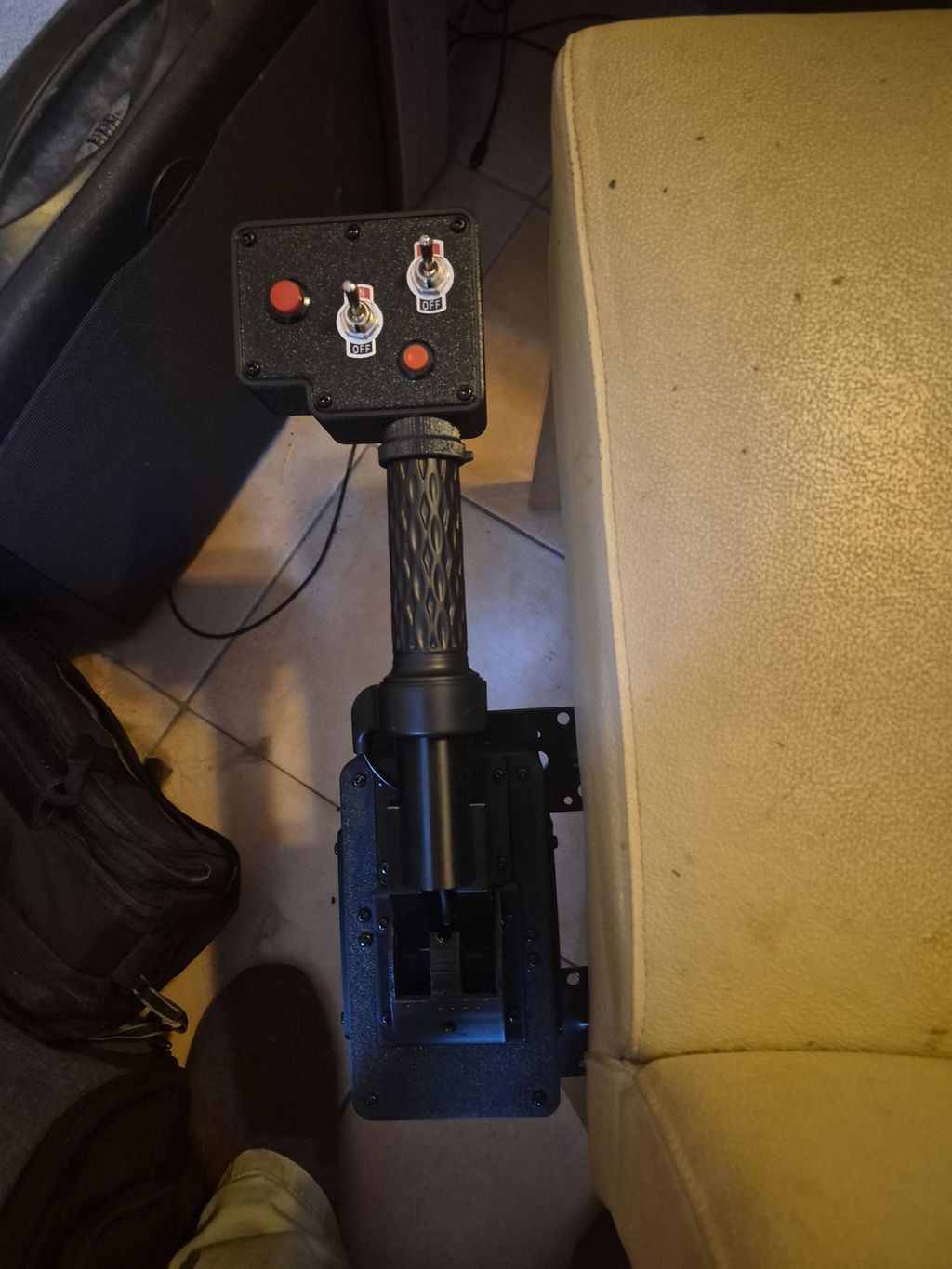
Lovely product - very good feel just enough friction, calibration was perfect out of the box - took a few goes to get the switches working but overall very realistic and very good value for money. I will follow Hoowalt and consider future purchases 👍
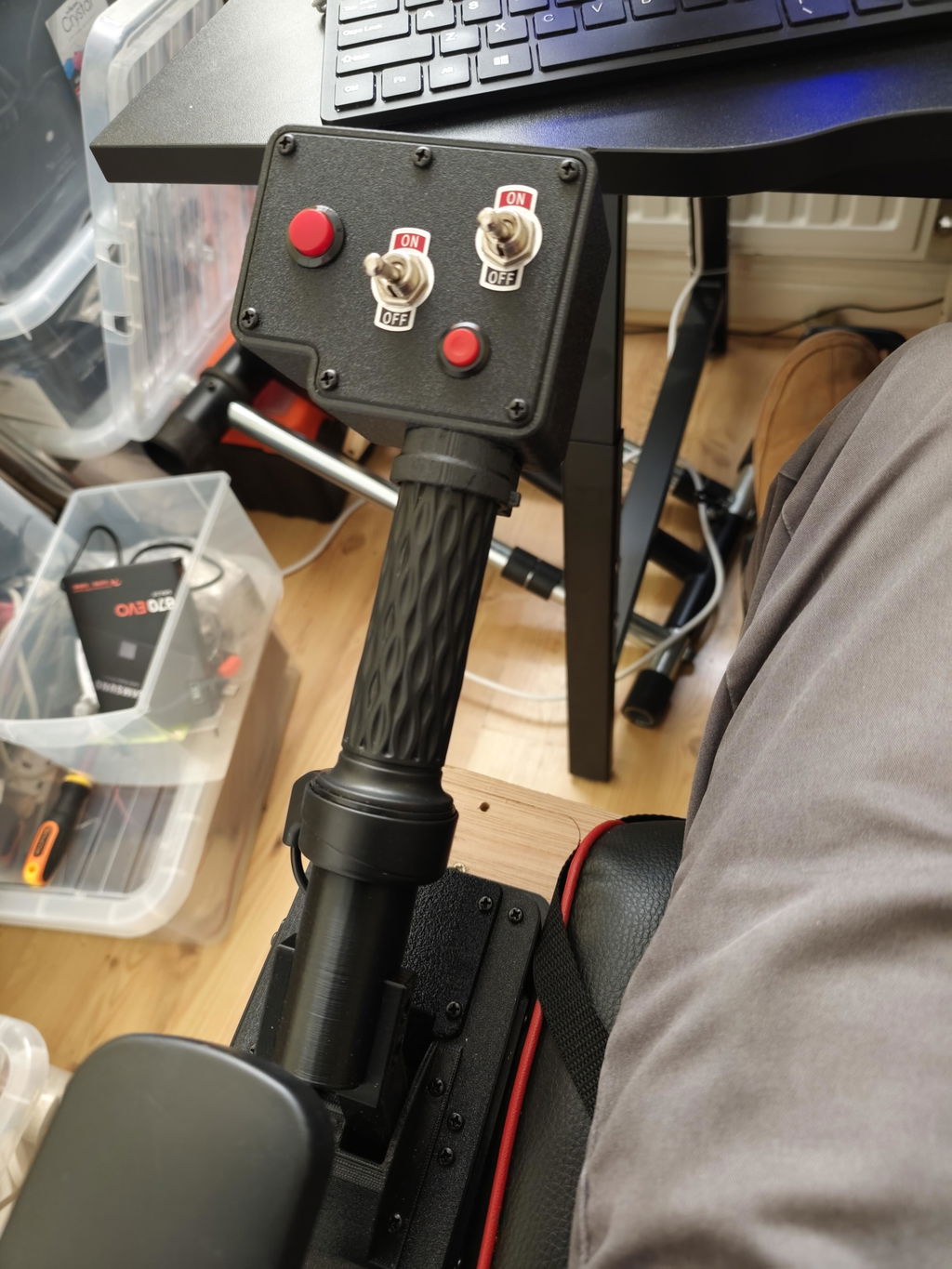
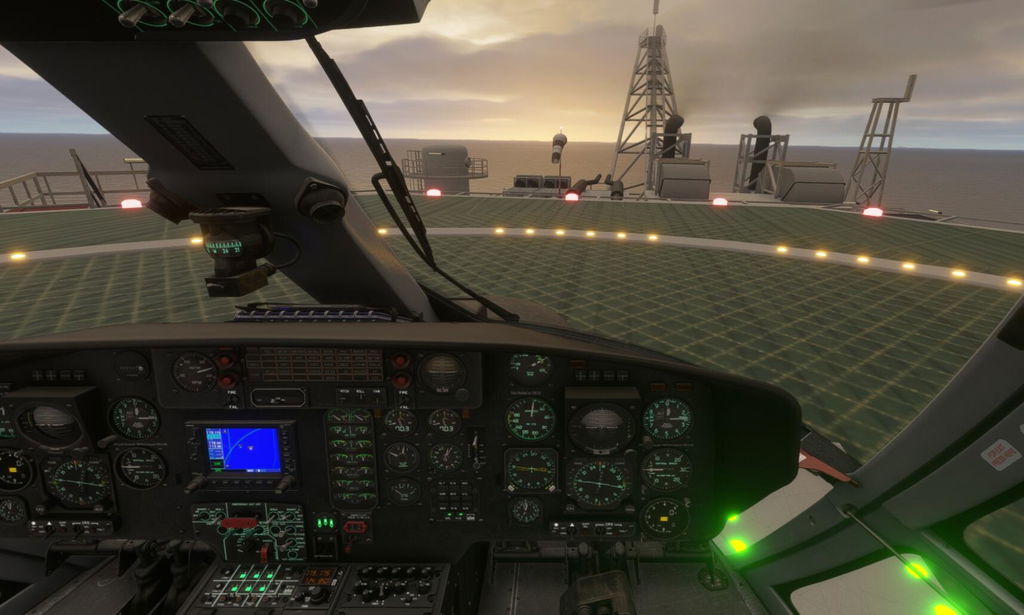
Sur le principe, cette commande de vol est très bien. Immédiatement reconnue et facile à configurer, Je dois dire qu'en mode VR, on s'y croirait. C'est un vrai plus pour l'hélicoptère SIM.
Il y a un bémol toutefois:
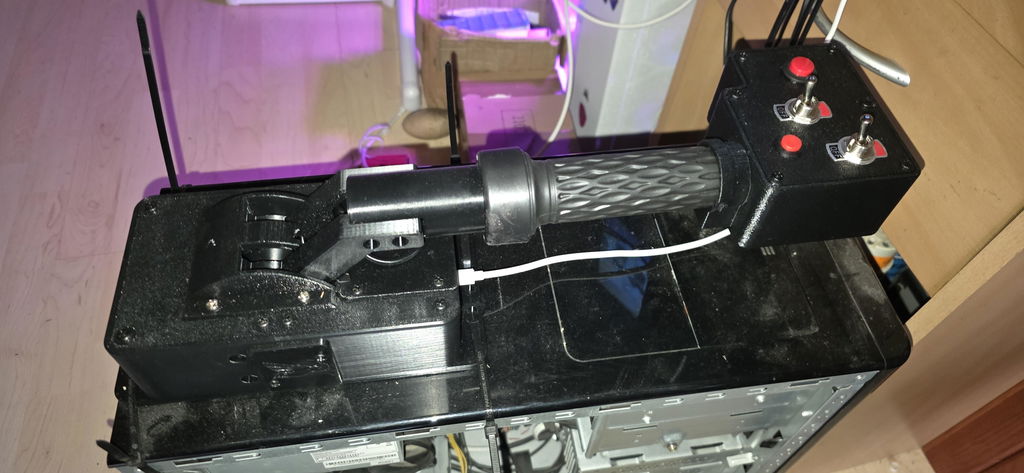
- Lorsqu'on est en vol, si on lache la commande...hé bien cette dernière descend (lentement)... on est donc contraint de la tenir en permanence. C'est un peu dommage, pour un article de ce prixce manque de finition.
In principle, this flight controller is excellent. It's instantly recognized and easy to configure. I must say, in VR mode, it's incredibly realistic. It's a real plus for the SIM helicopter.
There is one drawback, however:
- When in flight, if you release the controller... well, it descends (slowly)... so you're forced to hold it constantly. It's a bit of a shame, for an item at this price, this lack of refinement.
Merci pour votre commentaire.
Concernant l'amortissement du levier de pas collectif, vous pouvez le régler à l'aide d'un tournevis cruciforme en agissant sur la vis située juste en dessous du levier. Nous publierons également prochainement une vidéo sur nos réseaux sociaux montrant comment effectuer ce réglage.
Great item : simple to use and give more "realistic" flight, in take off or landing steps.
I enjoy it.
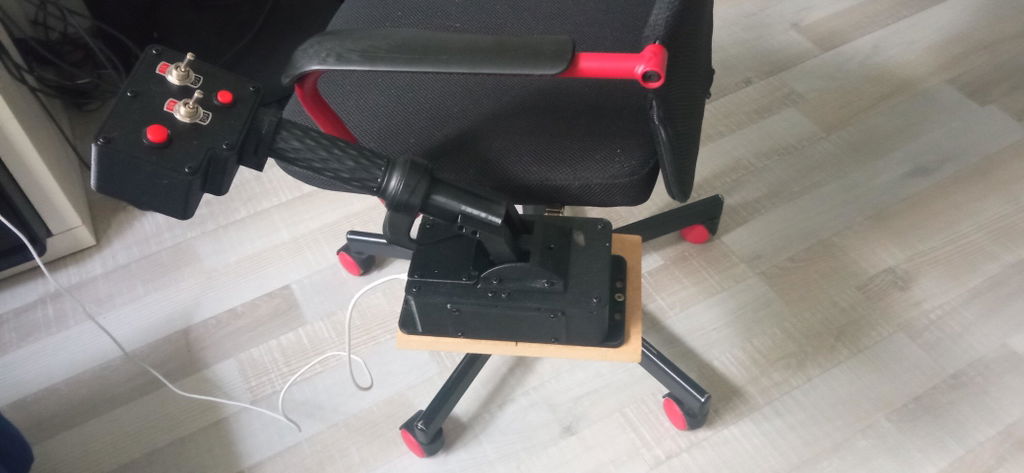
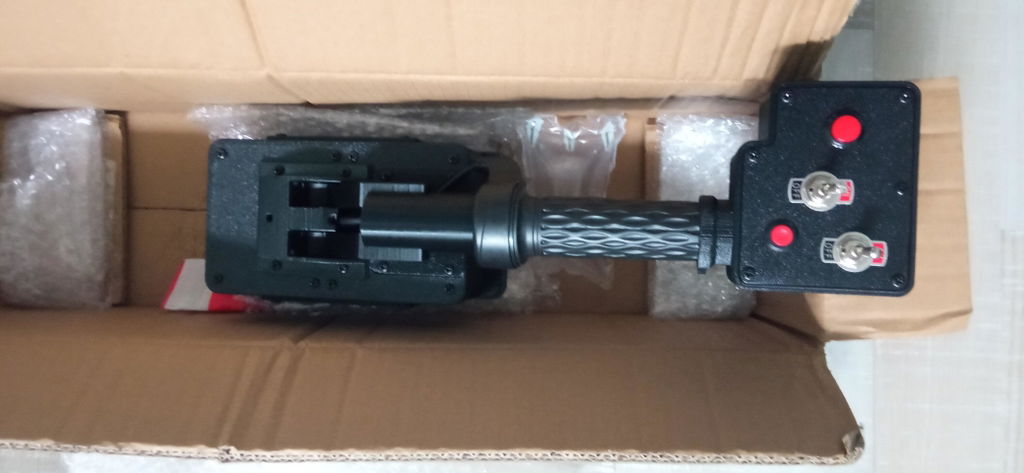
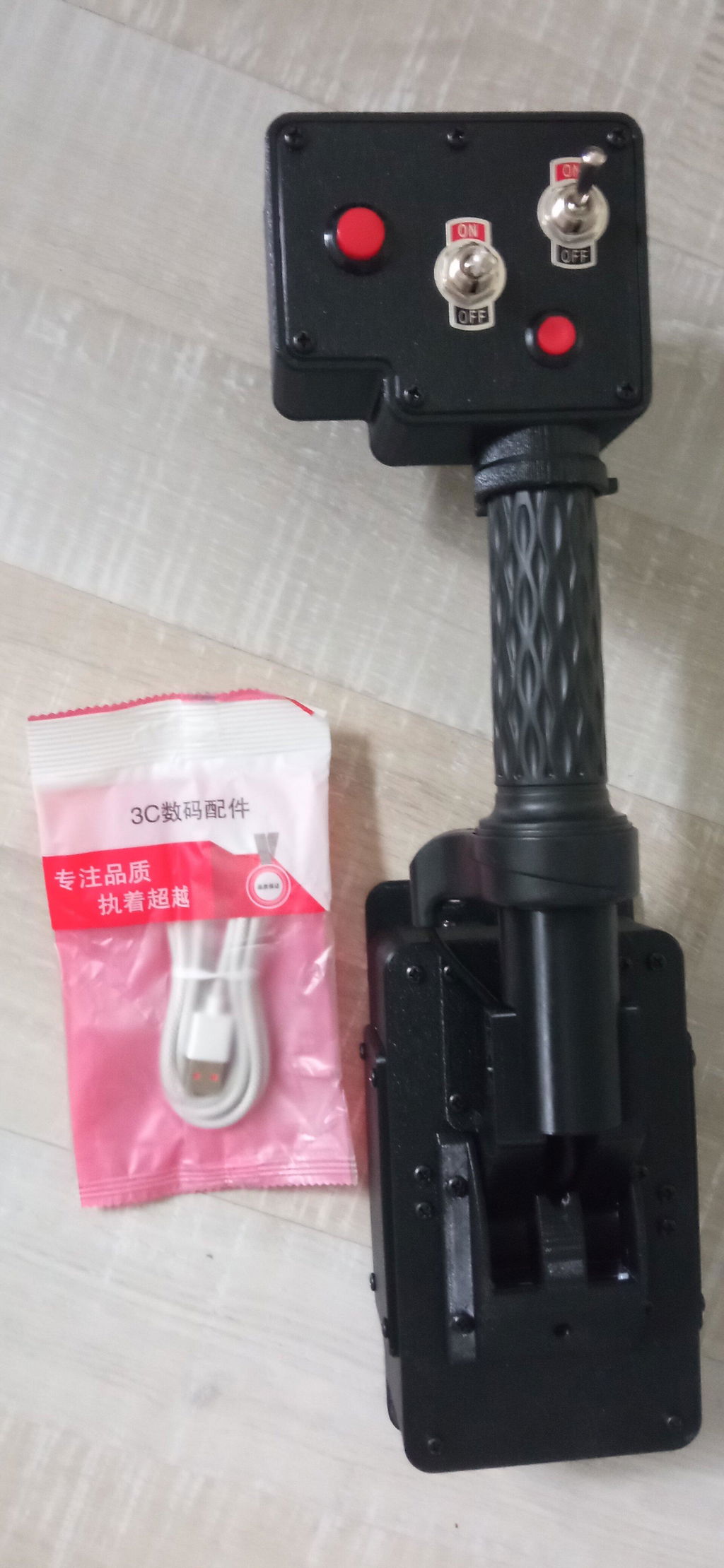

Ordered and it arrived after 2-3 weeks. As a pilot for planes inreal life it’s hard to learn flying a helicopter.
But with this Collective it took me 1-2 hours to be able to hoover and land safe. For me the best possibilty to learn Helicooter flying in MSFS for an acceptable price. Totally worth it!
Likes: throttle handle. Fits nicely in my hand. Collective dampness feels just right.
Dislikes: lacks 4 way hat. Throttle lock. Adjusting the collective up and down is a pain. You need a small screwdriver. It should have a wheel type of screw for it.
At this writing I am unable to bind the throttle to my msfs 2024. DCS works as advertised.
Feedback: I think the lever is pretty good for the price. What I would like to see is a small file with a standard configuration for MS FS, since it is very difficult to find and save the right settings. I know everyone prefers their own settings, but it would be helpful to have one to start with.
Perfect for a realistic feeling flying a helicopter in MSFS2024. Easy to install and the price to quality comparison is good.
Finally received mine. It works fine although the toggle switches have no OFF selection in XPlane 12 and they are a bit solid in the switch mechanism.
Now, if HOOWALT can sort out the overcharging on my card I might buy something else.
From my 9/15/26
Now it works fine after the recommendation to adjust.
I’ve tested it with various helicopters in X-Plane 12, and the overall experience has been very good; it works well without any unnecessary complications. The only downside I’ve noticed is that when you slide the control upward, it doesn't stay in place if you let go, so it slowly drifts back down.
Thank you for your comment.
Regarding the collective's damping, you can adjust it using a Phillips screwdriver on the screw located directly beneath the collective. We will also be posting a video on our social media channels soon demonstrating how to adjust the damping.
Perfekt
Muy buena calidad y fácil de instalar. Funciona perfectamente con mi simulador. Muy recomendable.
Solid collective for the price. The throttle axis works well and the button placement is convenient — I mapped lights to the toggles. Plugged right in with no driver issues. Build quality is good and it adds a lot to the helicopter experience. Happy with it.
Bob T.

